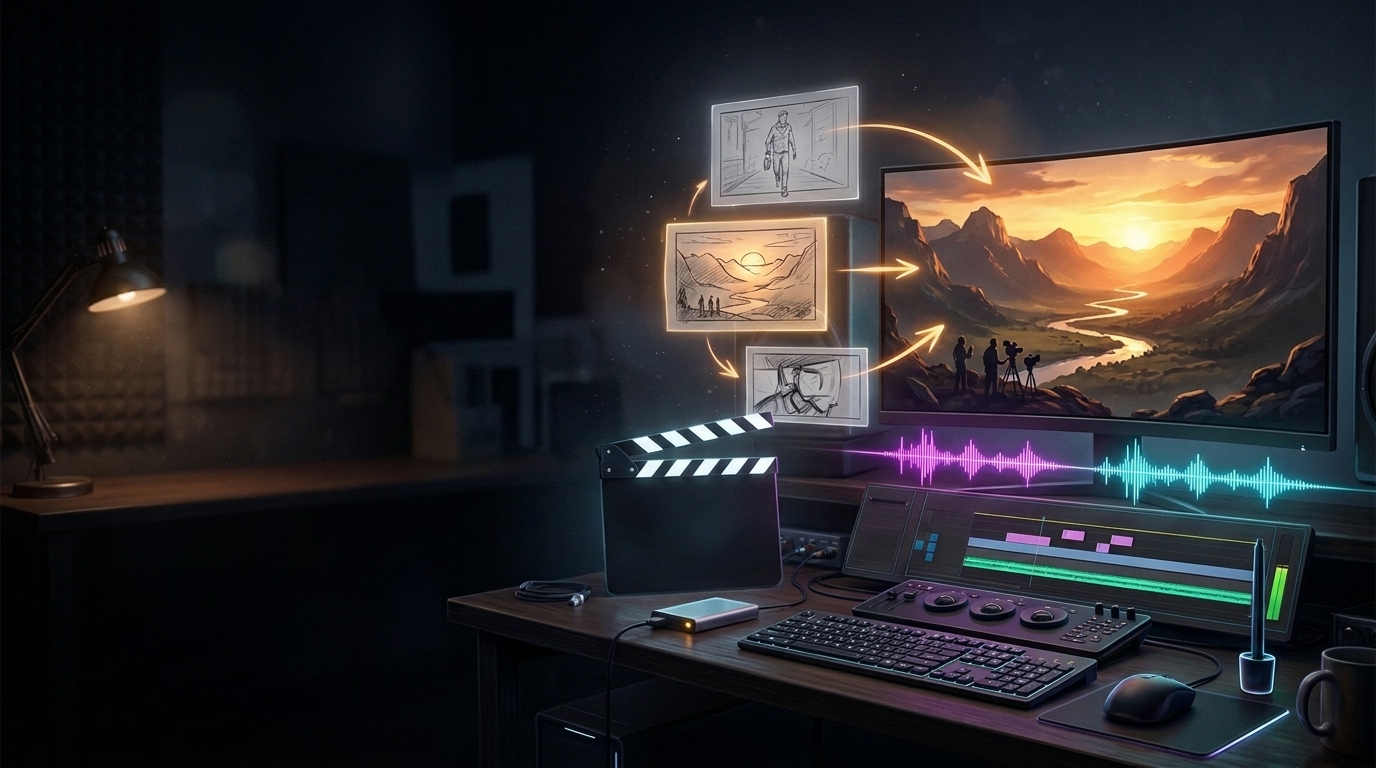
ปัญหาคลาสสิกของการทำคลิปด้วย AI Video ทั่วไป คือ "สุ่มดวง": พิมพ์ Prompt ไป 1 ครั้ง หักเครดิตทันที พอเรนเดอร์ออกมาก็เจอหน้าสินค้าเบี้ยว โลโก้เพี้ยน หรือเดินเรื่องไม่ปะติดปะต่อ... DreamRender (dreamrender.com) แพลตฟอร์มสร้างวิดีโอจาก Meta แก้จุดตายนี้ด้วยแนวคิด AI Production Crew & Interactive Storyboard ให้คุณเป็น "ผู้กำกับ" ที่ตรวจโครงเรื่องและพรีวิวแต่ละช็อตก่อนสั่ง Final Render จริง!
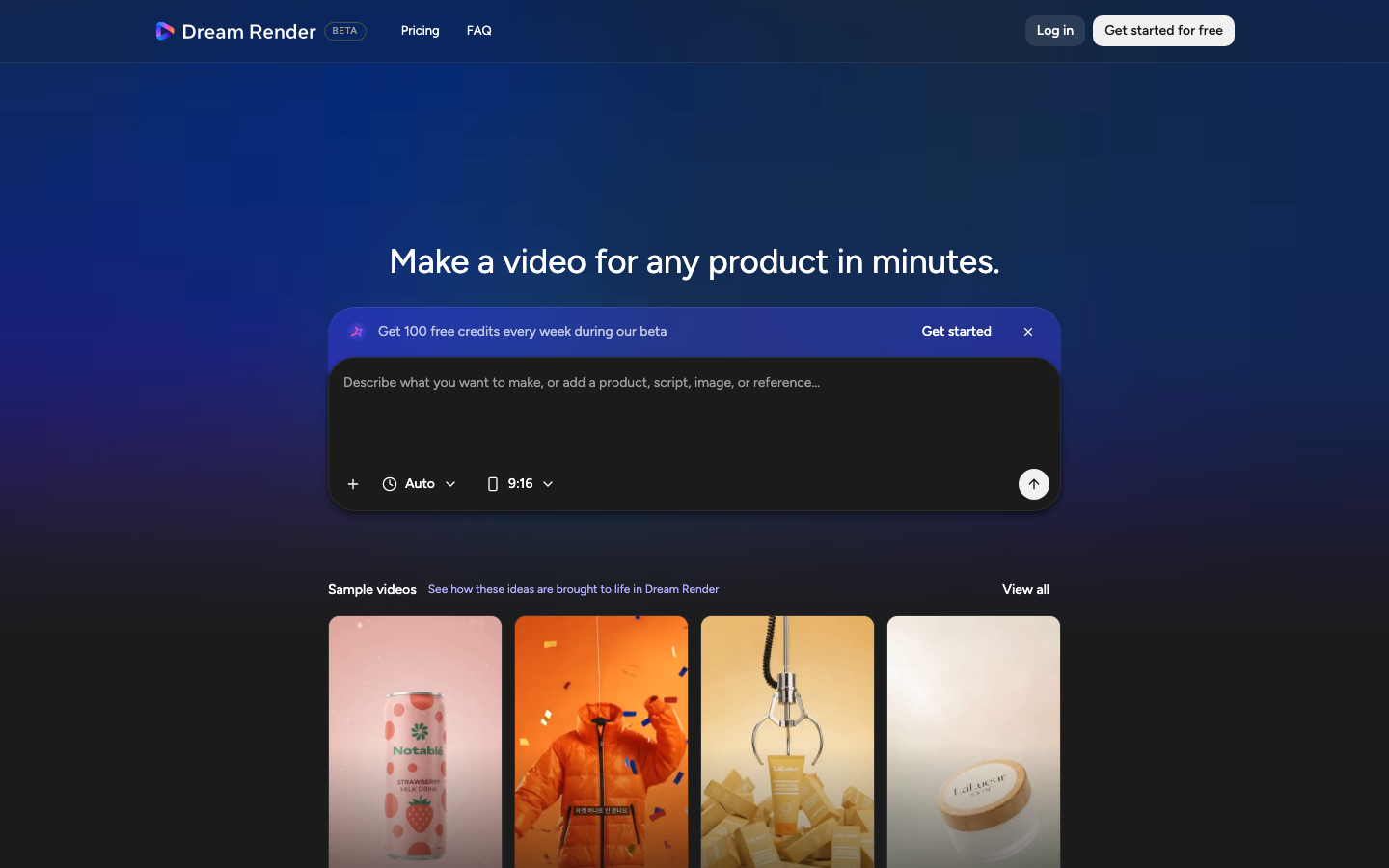
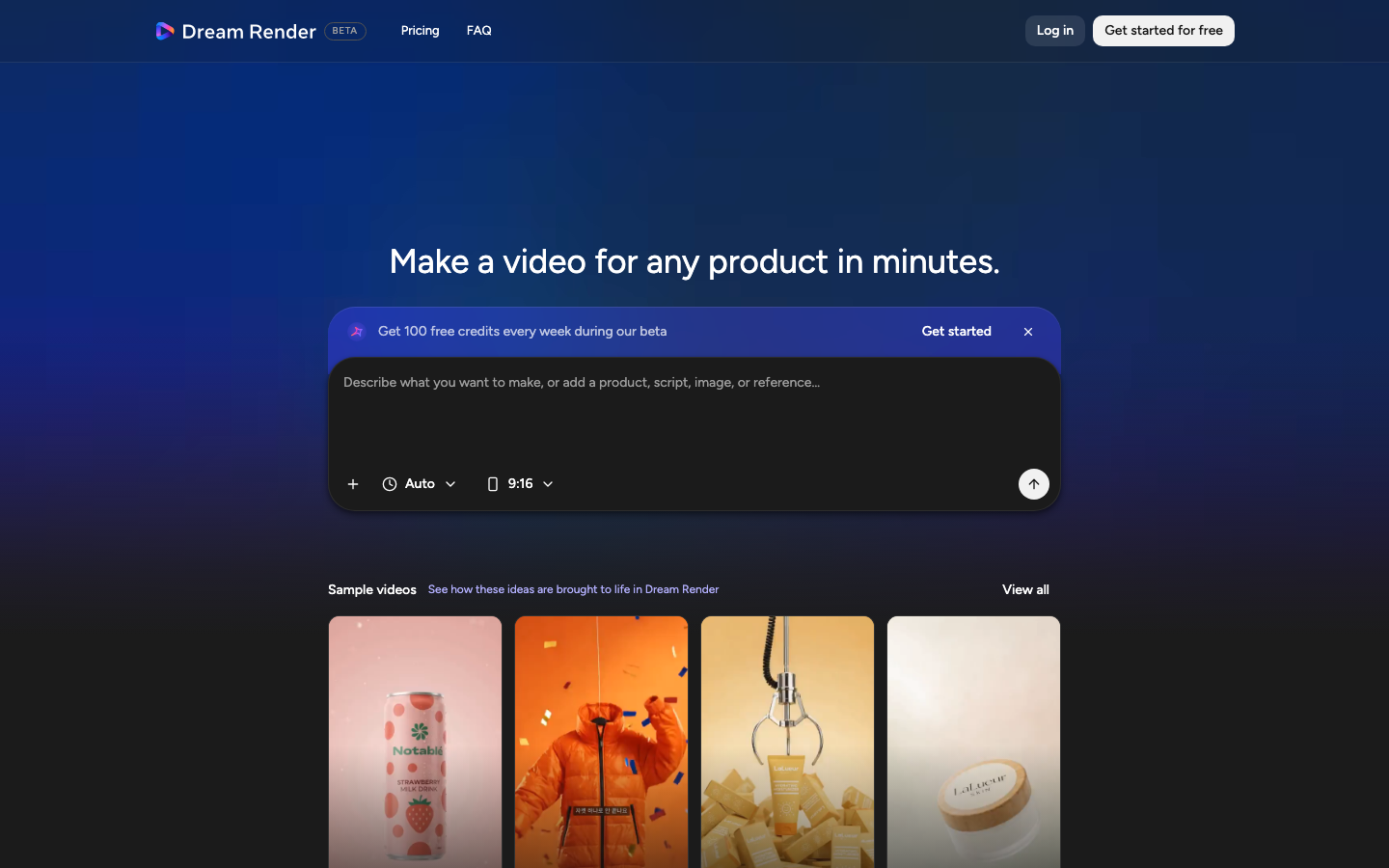
ภาพที่ 1: หน้าหลัก DreamRender (dreamrender.com) ป้อนโจทย์ แนบรูปอ้างอิง และดูตัวอย่าง Showcase สไตล์งาน
1. เริ่มต้นเข้าใช้งาน DreamRender & ระบบเครดิต
- เข้าไปที่ dreamrender.com แล้วล็อกอินผ่านบัญชี Meta (Facebook / Instagram Professional Account)
- ช่วง Public Beta ผู้ใช้จะได้รับ ฟรี 100 เครดิตทุกสัปดาห์ เพื่อทดลองสร้างคลิปวิดีโอจริงโดยไม่มีข้อผูกมัดบัตรเครดิตรายเดือน
- หากต้องการผลิตคลิปโฆษณาจำนวนมาก สามารถซื้อ Credit Pack แบบจ่ายครั้งเดียว (One-Time Top-up) ซึ่งเครดิตมีอายุนานถึง 12 เดือน
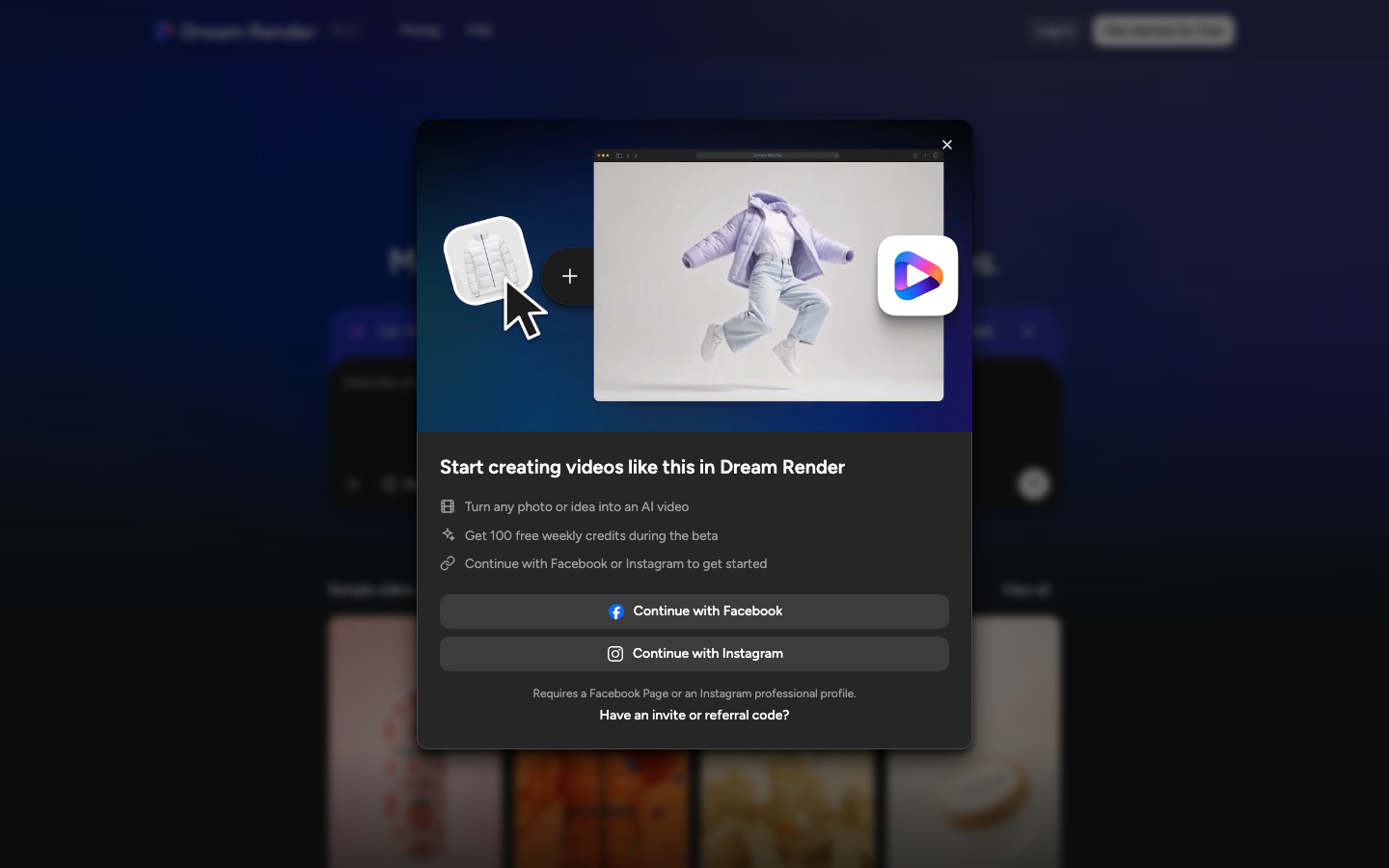
การล็อกอินผ่าน Facebook / Instagram Business
ระบบเครดิตฟรี 100 เครดิต/สัปดาห์ และแพ็กเกจเสริม
2. ขั้นตอนสร้าง Video ใน DreamRender แบบ 7 ขั้นตอน (Step-by-Step)
ขั้นตอนที่ 1: เลือกสัดส่วนภาพ (Aspect Ratio) และความยาวให้ตรงแพลตฟอร์ม
| สัดส่วน (Ratio) | แพลตฟอร์มเป้าหมาย | ความยาวแนะนำ |
|---|---|---|
| 9:16 (Vertical) | TikTok, Instagram Reels, Facebook Reels, YouTube Shorts | 15–30 วินาที (เน้น Hook แรงใน 3 วินาทีแรก) |
| 1:1 (Square) | Facebook / IG Feed Ads, รูปสินค้า e-Commerce Carousel | 15–20 วินาที (เล่าจุดเด่นสินค้า 1–2 อย่างให้จบไว) |
| 16:9 (Widescreen) | YouTube, Hero Banner เว็บไซต์, จอ Display ในร้านค้า | 30–60 วินาที (โหมด Cinematic Storytelling) |
ขั้นตอนที่ 2: เตรียม Reference Image ให้ AI รักษาหน้าตาสินค้าได้แม่น 95%+
- ใช้รูปสินค้าความละเอียดคมชัด เห็นฉลาก/โลโก้ด้านหน้าตรง แสงสว่างสม่ำเสมอ ไม่มืดหรือสะท้อนแฟลชจนกลบตัวหนังสือ
- หลีกเลี่ยงรูปที่มีพื้นหลังรกหรือมีวัตถุอื่นบังตัวสินค้า (หากไดคัทพื้นหลังเรียบหรือใช้ฉากสตูดิโอสีพื้น AI จะจับ Silhouette ได้แม่นที่สุด)
- หากเป็นวิดีโอที่มีคนพรีเซนเตอร์ แนบภาพหน้าตรงและมุมเฉียงที่มีแสงใกล้เคียงกับฉากที่ต้องการ
ขั้นตอนที่ 3: เขียนโจทย์กำกับ (Creative Brief) ตามสูตร 5 ส่วน
อย่าเขียนแค่คำว่า "ทำคลิปขายครีมให้สวยๆ" ให้เขียนระบุทั้ง เป้าหมายสินค้า + ฉากเปิด Hook + การขยับกล้อง + แสงสีบรรยากาศ + จังหวะเสียง:
[Format & Product]: 15-second vertical 9:16 commercial for [ชื่อ/ประเภทสินค้าของคุณ]
[Hook Shot 0-3s]: Macro close-up with crisp morning sunlight catching water droplets, smooth orbit camera reveal
[Main Action 3-10s]: Dynamic slow-motion splash/movement highlighting the product texture, warm luxury studio lighting, shallow depth of field
[Audio & Pacing]: Modern upbeat electronic lo-fi beat, satisfying crisp foley sound effects
[End Hero 10-15s]: Clean upright hero product shot centered for Thai text & CTA overlay
ขั้นตอนที่ 4: ตรวจ & ปรับ Shot-by-Shot Storyboard ของ AI Director
จุดเด่นที่ประหยัดเครดิตที่สุดของ DreamRender คือ AI Screenwriter จะวางแผน Shot List ออกมาให้คุณอ่านและแก้ก่อน เช่น Shot 1 (Hook), Shot 2 (Product Benefit), Shot 3 (Hero Shot) — ถ้าช็อตไหนไม่ถูกใจ ให้พิมพ์สั่งแก้เฉพาะช็อตได้เลย เช่น "เปลี่ยนช็อตที่ 2 จากมุมกว้างเป็น Close-up เนื้อสัมผัสแทน"
ภาพที่ 2: ตัวอย่างเอฟเฟกต์ Showcase ยอดฮิตบน DreamRender เช่น Flavor burst, Dancing colors และ Product showcase
ขั้นตอนที่ 5: เช็ก Keyframe Preview & Scratch Audio
ระบบจะสร้างภาพพรีวิวเฟรมสำคัญพร้อมเสียงดนตรีประกอบคร่าวๆ (Scratch Audio) ให้คุณตรวจ:
- เช็กว่าโลโก้หรือรูปทรงขวด/กล่องสินค้าในภาพ Reference ยังตรงปกหรือไม่
- เช็กอารมณ์สีและแสงว่าตรงกับ Brand Identity หรือไม่
- ฟังจังหวะดนตรีและการตัดคัตว่าลื่นไหลเข้ากับคอนเทนต์ที่จะลงหรือไม่
ขั้นตอนที่ 6: สั่ง Final Render และดาวน์โหลด MP4
เมื่อตรวจครบทุกช็อตแล้ว กด Render Video รอประมาณ 2–10 นาทีตามความยาวคลิป จากนั้นโหลดไฟล์ MP4 ความคมชัดสูง (ไม่มีลายน้ำ) ลงเครื่องได้ทันที
ขั้นตอนที่ 7: เติมภาษาไทย Hook & Price Overlay ปิดการขาย
นำคลิป MP4 ที่ได้ไปเปิดใน CapCut / Premiere / Reels เพื่อวางพาดหัวภาษาไทยขนาดใหญ่ด้านบน 15% (Safe Zone) และปุ่ม/ราคาปิดท้ายใน 2 วินาทีสุดท้าย จะได้คลิปโฆษณาพร้อมยิงแอดที่สมบูรณ์แบบ
3. แจก 5 สูตร Prompt สร้าง Video ด้วย DreamRender (Copy & Paste ใช้ได้เลย)
สูตรที่ 1: โฆษณาอาหาร / เครื่องดื่ม (Flavor Burst Cinematic)
High-speed commercial video for a refreshing fruit sparkling beverage can (upload product image).
Start with an extreme macro of chilled ice condensation rolling down the metallic can, then burst into slow-motion splash with fresh citrus slices and crystal water droplets suspended in mid-air.
Vibrant studio backlight, energetic modern pop percussion, crisp liquid pour foley, ending on an iconic upright hero pose with clean background space at the top for promotional copy.
สูตรที่ 2: คลิปสั้น 9:16 สกินแคร์ / เครื่องสำอาง (Clean Aesthetic Skincare)
9:16 vertical luxury skincare reel featuring the uploaded serum bottle.
Scene 1 (0-3s): Soft golden hour sunlight passing through sheer linen curtains onto a travertine stone podium.
Scene 2 (3-10s): Smooth dolly-in shot showing a silky golden serum droplet gently gliding along glass textures in calm slow motion.
Scene 3 (10-15s): Minimalist hero composition of the bottle centered with subtle botanical shadows. Ambient spa chimes and warm acoustic background track.
สูตรที่ 3: สินค้า Gadget / ไอที / อุปกรณ์ตั้งโต๊ะ (Tech Reveal)
Sleek 16:9 tech product launch teaser for the uploaded gadget.
Dark obsidian studio setting with sharp cyan rim lighting tracing the product edges. Dynamic low-angle camera sweep, precision mechanical click sound effects synchronized with beat drops, subtle holographic particle dust floating around, concluding in a dramatic front hero shot.
สูตรที่ 4: แฟชั่น / สินค้าไลฟ์สไตล์ (Urban Motion Reel)
9:16 energetic fashion & lifestyle short video showcasing the uploaded item in natural street daylight.
Tracking camera follows smooth movement through a sunlit cafe terrace, natural fabric motion, shallow depth of field (f/1.8 bokeh), upbeat indie groove soundtrack, upbeat transitions every 2 seconds.
สูตรที่ 5: Teaser เล่าเรื่องแบรนด์ / คอร์สออนไลน์ (Cinematic Storytelling)
30-second atmospheric brand film in 16:9 widescreen.
Open with a lone creator working late at a glowing modern desk surrounded by holographic storyboards, transition smoothly into bright sunrise light filling a sleek architectural studio symbolizing breakthrough innovation. Warm inspiring orchestral-electronic hybrid score, steady dolly forward movement.
4. แก้ปัญหาที่พบบ่อย & สิทธิ์การใช้งานเชิงพาณิชย์ (Commercial Rights)
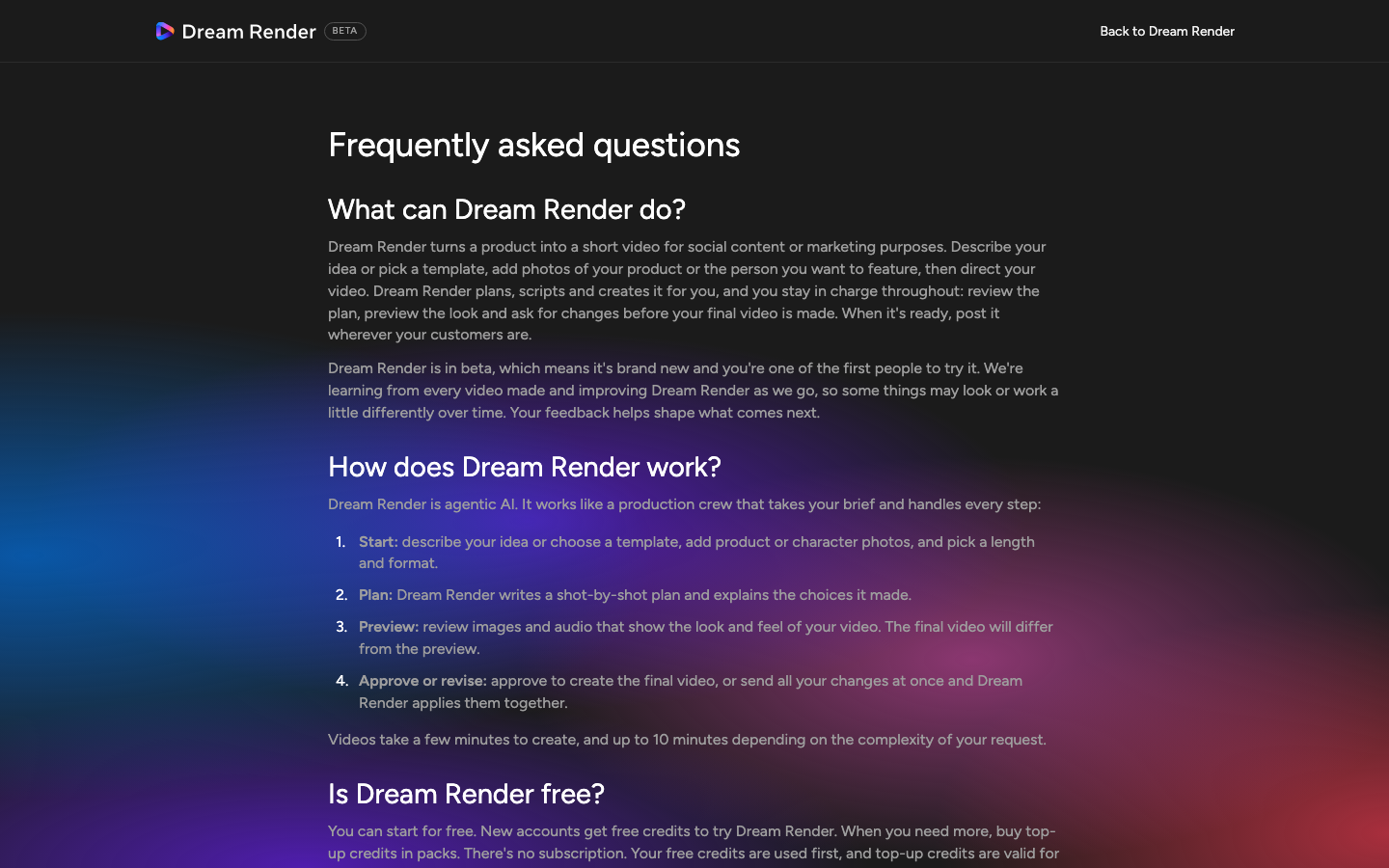
ภาพที่ 3: เงื่อนไขการใช้งานเชิงพาณิชย์และ FAQ อย่างเป็นทางการบน DreamRender
| ปัญหาที่เจอบ่อย | สาเหตุ | วิธีแก้ทันทีใน DreamRender |
|---|---|---|
| โลโก้/ข้อความบนขวดสินค้าเบลอ | ภาพ Reference เล็กเกินไป หรือสั่งกล้องหมุนเร็ว/หมุน 360 องศา | อัปโหลดภาพความละเอียดสูงด้านหน้าตรง และระบุคำสั่งให้กล้องเคลื่อนแบบ Slow Push-In (Dolly) หรือ Subtle Orbit ไม่เกิน 30 องศา |
| จังหวะคลิปช้าไม่ดึงดูดใน TikTok | ไม่ระบุความยาวต่อช็อตและไม่ได้สั่งเปิดด้วย Visual Hook | ระบุ Hook Shot 0-2.5s ให้เคลื่อนไหวแรงชัดตั้งแต่เฟรมแรก และเลือก Format 9:16 ความยาว 15s |
| นำไปยิงแอดขายของได้ไหม? | กังวลเรื่องลิขสิทธิ์และลายน้ำ | ได้ครับ คลิปที่สร้างผ่าน DreamRender ไม่มี Watermark และสามารถนำไปใช้ทำโฆษณา Meta Ads / TikTok Ads เชิงพาณิชย์ได้ตามข้อกำหนด FAQ อย่างเป็นทางการ |
เลือกชมคลัง Prompt Video 100 สไตล์ของ อ. Kevin เพื่อนำไปต่อยอดกับ DreamRender, Veo 3.1 และ Kling 2.5 ได้เลย